Financial reporting is one of the most important activities in running a successful business. Companies need accurate information about revenue, expenses, profitability, cash flow, liabilities, and overall financial performance to make informed decisions. However, managing financial information through spreadsheets and manual processes can become time-consuming, particularly as a business grows.
Financial reporting software helps organizations automate accounting processes, generate financial statements, monitor business performance, and organize financial data in a centralized system. Instead of spending hours preparing reports manually, finance teams can use technology to streamline workflows and access more consistent financial information.
The best financial reporting software for businesses in 2026 depends on company size, reporting complexity, budget, accounting requirements, and integration needs. A freelancer may need simple income and expense reports, while a growing company may require budgeting, departmental reporting, multi-currency support, or consolidated financial statements across multiple entities.
In this guide, we compare some of the best financial reporting software solutions for businesses, explain their major features, explore their advantages and limitations, and help you determine which platform is appropriate for your organization.
What Is Financial Reporting Software?
Financial reporting software is a digital platform that helps businesses collect, organize, analyze, and present financial information. It typically connects accounting transactions, invoices, expenses, bank data, and other financial records to produce reports that support business decisions.
Common financial reports generated by these platforms include:
- Profit and loss statements
- Balance sheets
- Cash flow statements
- Accounts receivable reports
- Accounts payable reports
- Expense reports
- Budget versus actual reports
- Tax summaries
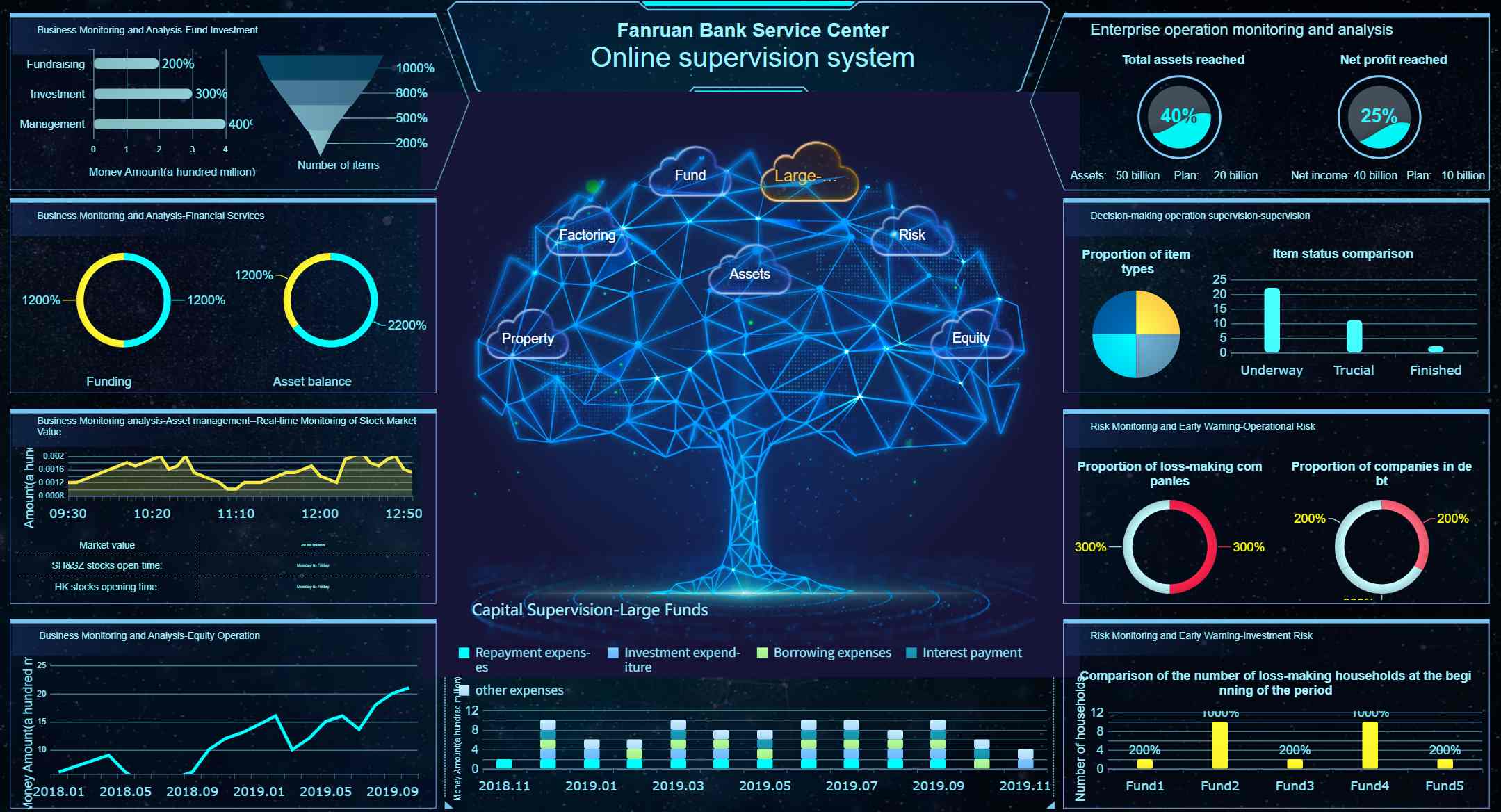
- Financial performance dashboards
Some platforms focus primarily on accounting and bookkeeping, while others provide more advanced financial planning, analytics, consolidation, and enterprise resource planning (ERP) capabilities.
Using financial reporting software can help businesses improve accuracy, reduce repetitive work, and make financial information easier to understand.
Best Financial Reporting Software for Businesses in 2026
1. QuickBooks Online – Best Overall for Small and Growing Businesses
QuickBooks Online is one of the most widely used accounting platforms for small and medium-sized businesses. It combines bookkeeping, invoicing, expense management, bank reconciliation, and financial reporting within a cloud-based environment.
Businesses can use QuickBooks to generate financial statements, monitor cash flow, track expenses, and review profitability without building reports manually from multiple spreadsheets.
Key features:
- Profit and loss and balance sheet reporting
- Cash flow tracking
- Bank transaction categorization
- Expense and income tracking
- Customizable reports
- Accountant collaboration
- Third-party integrations
Pros:
- Familiar platform for many accountants and bookkeepers
- Broad accounting and reporting capabilities
- Large ecosystem of integrations
- Suitable for many small-business workflows
Cons:
- Subscription costs can increase as businesses upgrade
- Some advanced features require higher-tier plans
- Reporting customization may not satisfy complex enterprise needs
Best for: Small and growing businesses looking for a practical accounting and financial reporting system with broad accountant support.
2. Xero – Best for Collaborative Financial Reporting
Xero is a cloud-based accounting platform that helps businesses manage financial transactions and generate reports from a centralized accounting system. Its collaborative approach makes it useful for business owners, finance staff, and external accountants who need access to the same financial information.
Xero offers financial reporting, bank reconciliation, invoicing, expense management, and business performance visibility. Businesses can also connect third-party applications to extend their reporting workflows.
Key features:
- Financial statements and reporting
- Bank reconciliation
- Cash flow visibility
- Invoice and expense management
- Multi-user access
- Integration ecosystem
- Accounting collaboration
Pros:
- Designed for cloud-based collaboration
- User-friendly financial workflows
- Useful integrations for growing businesses
- Suitable for businesses that need multiple team members accessing accounting information
Cons:
- Some advanced reporting needs may require additional tools
- Feature availability can vary by plan and country
- Businesses with complex finance operations may eventually need a more advanced system
Best for: Growing businesses, distributed teams, and companies that want collaborative accounting and reporting.
3. Sage Intacct – Best for Advanced Financial Management
Sage Intacct is a financial management platform designed for organizations that require more advanced reporting and accounting capabilities. It is particularly relevant for growing and mid-sized companies with multiple departments, locations, entities, or complex financial workflows.
The platform supports financial reporting, accounting automation, business performance analysis, and multi-dimensional reporting. Organizations can analyze financial data by department, project, location, entity, or other reporting dimensions depending on their configuration.
Key features:
- Multi-dimensional financial reporting
- Financial consolidation
- General ledger management
- Accounts payable and receivable
- Budgeting and financial analysis
- Accounting workflow automation
- Audit-oriented controls
Pros:
- More advanced reporting than basic bookkeeping tools
- Supports complex financial structures
- Useful for multi-entity businesses
- Helps finance teams reduce manual processes
Cons:
- Higher implementation complexity
- Requires onboarding and configuration
- Pricing is generally customized
- May be excessive for smaller businesses
Best for: Mid-sized organizations, finance departments, nonprofit organizations, and companies with complex accounting and reporting requirements.
4. Oracle NetSuite – Best for Enterprise Financial Reporting
Oracle NetSuite is a cloud-based ERP platform with extensive financial management capabilities. It combines accounting and reporting with broader operational processes such as inventory, order management, procurement, and other business functions.
Companies can use NetSuite to manage financial information across business units and subsidiaries. Its reporting capabilities are particularly useful for organizations that need centralized financial visibility and more structured financial operations.
Key features:
- Financial reporting and analytics
- General ledger
- Multi-currency accounting
- Multi-entity financial consolidation
- Revenue management
- ERP integration
- Financial workflow automation
Pros:
- Comprehensive enterprise financial capabilities
- Supports complex organizational structures
- Integrates financial and operational information
- Suitable for companies with expanding reporting requirements
Cons:
- Implementation can be expensive and time-consuming
- Requires configuration and training
- May be too complex for small businesses
- Pricing is generally quote-based
Best for: Large companies, multi-entity organizations, and businesses seeking financial reporting within a comprehensive ERP system.
5. Zoho Books – Best Affordable Financial Reporting Software
Zoho Books is an accounting and financial management solution that offers bookkeeping, invoicing, expense management, and reporting features. It can be a useful choice for businesses that want essential financial visibility without immediately investing in a more complex enterprise platform.
Its reporting tools help businesses review revenue, expenses, cash flow, outstanding invoices, and other accounting information. It can also work alongside other applications in the Zoho ecosystem.
Key features:
- Profit and loss reporting
- Balance sheets
- Cash flow reports
- Expense tracking
- Invoice management
- Bank reconciliation
- Financial workflow automation
Pros:
- Competitive pricing options
- Easy-to-understand accounting workflows
- Connected ecosystem of business applications
- Suitable for small businesses with basic to moderate reporting needs
Cons:
- Advanced enterprise reporting may be limited
- Some features are tier-dependent
- Complex consolidations may require another platform
Best for: Startups, small businesses, and cost-conscious companies that want integrated accounting and financial reporting.
6. FreshBooks – Best for Freelancers and Service Businesses
FreshBooks is designed primarily for freelancers, consultants, and service-based businesses that need straightforward financial management and client billing.
Although its reporting capabilities are not as extensive as those of enterprise finance systems, it provides practical tools for monitoring business income, expenses, invoices, and profitability.
Key features:
- Expense tracking
- Invoicing and payment management
- Profit and loss reporting
- Time tracking
- Project billing
- Client management
- Basic financial insights
Pros:
- Easy-to-use interface
- Strong invoicing workflows
- Useful for client-based businesses
- Combines billing and financial management
Cons:
- Less suitable for complex inventory operations
- Limited enterprise-level financial controls
- Advanced reporting requirements may need additional tools
Best for: Freelancers, consultants, creative agencies, contractors, and service providers.
7. Microsoft Dynamics 365 Business Central – Best for Microsoft-Based Businesses
Microsoft Dynamics 365 Business Central combines accounting, financial management, inventory, sales, purchasing, and operational workflows in a connected business system.
Its financial reporting capabilities can help businesses analyze revenue, expenses, budgets, cash flow, and operational performance. Integration with Microsoft products can also be attractive to companies that already rely on Excel, Outlook, and Teams.
Key features:
- Financial statements
- General ledger
- Budget management
- Account reconciliation
- Financial dimensions
- Business reporting
- Microsoft ecosystem integration
Pros:
- Connects financial and operational workflows
- Familiar Microsoft environment
- Supports growing businesses
- Flexible reporting and configuration options
Cons:
- Implementation may require a specialist
- Configuration and licensing can be complex
- Learning curve for users unfamiliar with ERP systems
Best for: Businesses that use Microsoft products and need accounting connected with broader operations.
8. Wave – Best for Basic and Budget-Friendly Financial Reporting
Wave provides accessible accounting tools for small businesses and freelancers. It is a practical starting point for business owners who need to organize income, expenses, invoices, and basic financial information without a complicated setup.
Wave is particularly attractive to businesses with relatively straightforward accounting needs.
Key features:
- Income and expense tracking
- Basic financial statements
- Invoicing
- Receipt management
- Cash flow visibility
- Basic accounting tools
Pros:
- Simple for beginners
- Budget-friendly entry point
- Useful for small businesses with basic accounting needs
- Helps replace manual spreadsheets
Cons:
- Limited advanced reporting capabilities
- Less suitable for larger organizations
- Complex accounting requirements may require upgrading to another platform
Best for: Freelancers, independent businesses, and small companies that need simple financial reporting.
Financial Reporting Software Comparison
| Software | Best For | Business Size |
|---|---|---|
| QuickBooks Online | General accounting and reporting | Small to medium |
| Xero | Collaborative accounting | Small to medium |
| Sage Intacct | Advanced financial reporting | Mid-market |
| Oracle NetSuite | Enterprise financial management | Medium to large |
| Zoho Books | Affordable accounting | Small to medium |
| FreshBooks | Invoicing and service businesses | Freelancer to small |
| Microsoft Business Central | Connected finance and operations | Small to medium, growing |
| Wave | Basic accounting and reporting | Freelancers and microbusinesses |
The right solution depends on your business requirements rather than the number of features included in the platform.
Essential Features to Look for in Financial Reporting Software
Automated Financial Statements
The software should generate core financial statements, including profit and loss, balance sheet, and cash flow reports. Automated reporting reduces the need to manually calculate financial figures from different sources.
Customizable Reports
Businesses often need to analyze financial information in different ways. Custom reports can help track profitability by department, project, product, location, or business unit.
Cash Flow Analysis
Cash flow reporting helps businesses understand how money moves in and out of their accounts. It is especially important for companies that experience seasonal sales, delayed payments, or fluctuating expenses.
Budgeting and Forecasting
Budgeting tools allow businesses to compare actual results with planned performance. Forecasting capabilities can help estimate future revenue, expenses, and cash requirements.
Integration Capabilities
Financial reporting software should connect with relevant business systems, such as:
- Banking platforms
- Payroll systems
- CRM software
- Inventory management
- Payment processors
- Expense management applications
Integrations can reduce manual data entry and help maintain more consistent information.
Security and Access Controls
Financial information is sensitive. Look for user permissions, authentication options, audit trails, encryption, backup procedures, and administrative controls appropriate to your organization’s risk and compliance requirements.
Benefits of Financial Reporting Software
Improved accuracy: Automated calculations and integrated data can reduce common manual reporting errors, although human review remains essential.
Time savings: Automated report generation and transaction categorization can reduce repetitive work.
Better decision-making: Financial dashboards help management understand profitability, expenses, and cash position.
Improved financial visibility: Centralized reporting makes it easier to identify trends and potential problems.
Simplified collaboration: Business owners, accountants, and finance teams can work with shared financial data.
Scalable operations: Businesses can move from basic bookkeeping to more advanced reporting as their needs increase.
How to Choose the Right Financial Reporting Software
Before purchasing a platform, evaluate your financial workflows and long-term business requirements.
1. Define Your Reporting Requirements
Identify which reports you regularly need. A small company may only require income statements and cash flow reports, while a larger organization may need department-level budgets, consolidated reporting, and detailed audit trails.
2. Consider Your Business Size
Choose software appropriate for your current complexity.
- Freelancers: FreshBooks or Wave
- Small businesses: QuickBooks Online or Zoho Books
- Growing teams: Xero or Microsoft Business Central
- Mid-sized companies: Sage Intacct
- Large enterprises: Oracle NetSuite
These are starting points, not strict rules. A smaller company may need advanced financial controls, while a large company with a simple structure may not require a full ERP implementation.
3. Evaluate Total Cost
Compare more than the monthly subscription. Consider:
- Number of users
- Additional modules
- Implementation costs
- Training
- Integration fees
- Data migration
- Support services
A low-cost platform may become expensive when additional features are required.
4. Check Ease of Use
Your finance team should be able to work with the software comfortably. A complicated reporting system may create unnecessary delays if employees need extensive training to perform routine tasks.
5. Review Scalability
Think about how your company may change over the next two to five years. Consider transaction volume, new locations, additional entities, currencies, and reporting complexity.
How Much Does Financial Reporting Software Cost?
Pricing varies considerably by provider, plan, number of users, and implementation requirements.
Small-business accounting software may start with low monthly subscription fees, while advanced financial management and ERP platforms can require significantly higher spending for licenses, implementation, and consulting.
Common pricing models include:
- Monthly subscription per business
- Per-user subscription
- Tiered feature plans
- Annual contracts
- Custom enterprise licensing
- Implementation and consulting fees
Before choosing a platform, request a detailed quote if your business needs advanced features. Verify whether financial reports, custom dashboards, multi-entity consolidation, integrations, and forecasting are included in the selected plan.
Frequently Asked Questions
What is the best financial reporting software for small businesses?
QuickBooks Online, Xero, and Zoho Books are popular starting points for small businesses. The best choice depends on reporting requirements, accountant preferences, budget, and integrations.
What software is best for enterprise financial reporting?
Sage Intacct and Oracle NetSuite are strong options for organizations that require advanced financial management, multi-entity reporting, and more sophisticated accounting workflows.
Can financial reporting software automate financial statements?
Yes. Many platforms can generate financial statements using recorded accounting transactions. However, users still need to review account mappings, reconcile transactions, and verify the accuracy of financial records.
Is financial reporting software the same as accounting software?
They overlap significantly. Accounting software records and manages financial transactions, while financial reporting software focuses on organizing and presenting financial data for analysis. Many modern accounting platforms include both capabilities.
Can I use financial reporting software without an accountant?
Small business owners can use many accounting platforms themselves. However, professional accountants can help with setup, reconciliations, tax requirements, adjustments, and interpreting financial statements.
Is cloud financial reporting software secure?
Many cloud platforms offer security features such as encryption, access controls, backups, and monitoring. Security depends on the vendor’s practices, your configuration, and how users manage account access.
Conclusion
The best financial reporting software for businesses in 2026 can simplify accounting workflows, improve financial visibility, and support better business decisions. From affordable platforms for freelancers to advanced enterprise financial systems, there are solutions for different budgets and levels of complexity.
QuickBooks Online and Xero are strong options for many small businesses, Zoho Books provides accessible accounting tools, and FreshBooks and Wave are useful for simpler workflows. For organizations requiring advanced reporting and multi-entity finance, Sage Intacct, Oracle NetSuite, and Microsoft Dynamics 365 Business Central offer more comprehensive capabilities.
Before selecting a platform, identify your reporting needs, compare total costs, review integrations, and consider how the software will support future growth.
The most effective financial reporting solution is not necessarily the most expensive or feature-rich one. It is the platform that provides reliable financial information, fits your workflow, and helps your business make smarter decisions consistently.