Managing finances across a large organization is becoming increasingly complex. Enterprise companies often operate across multiple departments, business units, subsidiaries, currencies, and geographic markets. Finance teams must monitor revenue, expenses, cash flow, budgets, profitability, and financial risks while providing accurate information to executives and stakeholders.
Traditional spreadsheets and basic accounting systems may not be sufficient to support these requirements. As financial data grows, organizations need more advanced tools to consolidate information, automate reporting, improve forecasting, and make better strategic decisions.
This is where financial analytics software becomes valuable.
The best financial analytics software for enterprise companies combines data analysis, reporting, forecasting, budgeting, performance monitoring, and visualization capabilities into a centralized platform. These tools help finance professionals understand financial performance, identify trends, evaluate business opportunities, and respond to changing market conditions.
Choosing the right platform depends on an organization’s size, existing technology stack, reporting requirements, data complexity, and financial planning processes.
In this guide, we explore some of the best financial analytics software solutions for enterprise companies, their key features, benefits, limitations, and how businesses can choose the right platform.
What Is Financial Analytics Software?
Financial analytics software is a technology platform that helps organizations collect, organize, analyze, and interpret financial information.
Unlike basic bookkeeping tools that primarily record transactions, financial analytics platforms focus on transforming financial data into useful insights for planning, monitoring, and decision-making.
Enterprise financial analytics software can help organizations:
- Analyze revenue and profitability across business units.
- Monitor expenses and operating costs.
- Forecast future financial performance.
- Build budgets and financial plans.
- Consolidate financial data from multiple systems.
- Track key performance indicators (KPIs).
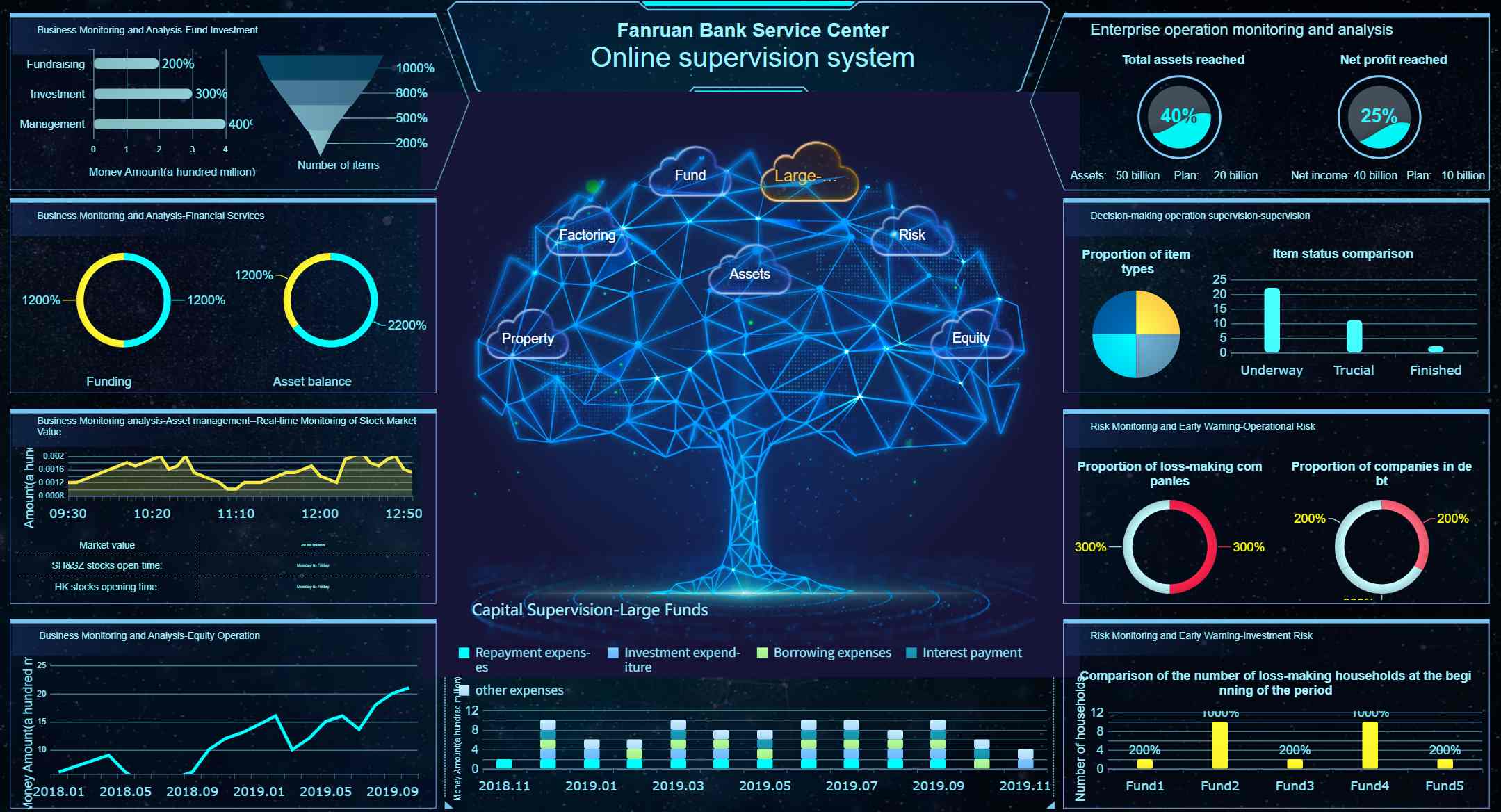
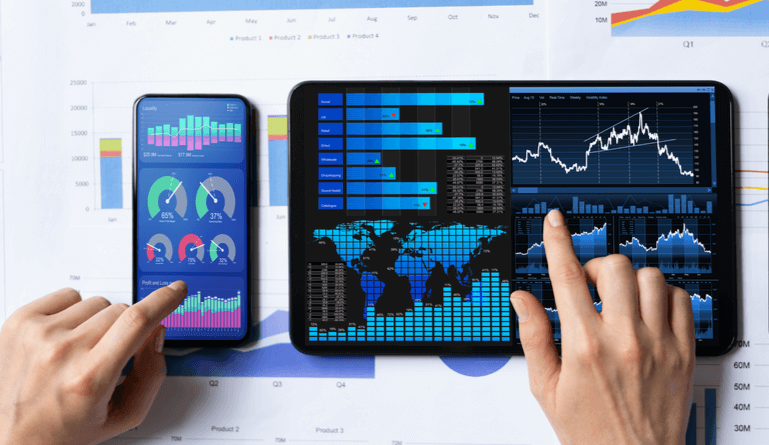
- Create management reports and dashboards.
- Identify financial trends and potential risks.
Many modern platforms also include artificial intelligence, predictive analytics, automation, and advanced data visualization features.
These capabilities allow finance teams to spend less time preparing reports manually and more time evaluating business performance.
Best Financial Analytics Software for Enterprise Companies
1. Oracle Fusion Cloud Enterprise Performance Management (EPM)
<escape>Oracle Fusion Cloud EPM</escape> is a comprehensive enterprise platform designed to support financial planning, budgeting, forecasting, reporting, and performance management.
It is particularly suitable for large organizations that need to manage complex financial operations across multiple departments, business units, and locations.
Oracle EPM provides tools for financial consolidation, scenario planning, profitability analysis, and management reporting. Organizations can use the platform to connect planning processes with actual financial results.
Key features:
- Financial planning and budgeting.
- Forecasting and scenario modeling.
- Financial consolidation and close.
- Profitability and cost management.
- Enterprise reporting.
- AI-supported planning capabilities.
Best for: Large enterprises with complex financial structures and integrated planning requirements.
Potential drawback: Implementation and configuration can require significant resources, specialized expertise, and organizational change management.
2. SAP Analytics Cloud
<escape>SAP Analytics Cloud</escape> combines business intelligence, data visualization, planning, and predictive analytics within a cloud-based platform.
Companies using SAP financial and enterprise systems may find it useful for connecting financial data with operational information.
The platform enables finance teams to create dashboards, analyze financial performance, develop forecasts, and explore business trends. It also supports collaborative planning processes across departments.
Key features:
- Financial dashboards and reporting.
- Business planning and forecasting.
- Data visualization.
- Predictive analytics.
- Collaboration and planning workflows.
- Integration with SAP business environments.
Best for: Enterprises already using SAP software or organizations seeking connected financial and operational analytics.
Potential drawback: Users may need time to understand its broader ecosystem, and implementation complexity can vary depending on the company’s existing systems.
3. Workday Adaptive Planning
<escape>Workday Adaptive Planning</escape> is a financial planning and analytics platform that helps enterprises manage budgeting, forecasting, reporting, and financial modeling.
It is designed to support flexible planning processes and collaboration between finance and other departments.
Companies can build financial models, compare scenarios, update forecasts, and analyze performance using data from different sources.
Key features:
- Financial planning and budgeting.
- Rolling forecasts.
- Workforce planning.
- Scenario analysis.
- Management reporting.
- Collaborative planning workflows.
Best for: Enterprises that need flexible financial planning and forecasting across multiple teams.
Potential drawback: Advanced modeling and enterprise implementation may require careful configuration, training, and ongoing maintenance.
4. Anaplan
<escape>Anaplan</escape> is a connected planning platform used by enterprises to coordinate financial, operational, sales, workforce, and supply chain planning.
Its financial analytics capabilities help organizations connect business assumptions with financial outcomes.
For example, finance teams can model how changes in sales volume, staffing levels, pricing, or operating costs affect revenue, cash flow, and profitability.
Key features:
- Enterprise financial planning.
- Forecasting and scenario modeling.
- Connected business planning.
- Profitability analysis.
- Multi-department planning.
- Real-time collaboration.
Best for: Large organizations with interconnected planning requirements and complex business operations.
Potential drawback: Building sophisticated planning models can require experienced implementation teams and ongoing model governance.
5. Microsoft Power BI
<escape>Microsoft Power BI</escape> is a business intelligence and data analytics platform that helps organizations transform financial information into interactive reports and dashboards.
Enterprise finance teams can use Power BI to analyze revenue, expenses, cash flow, financial KPIs, departmental performance, and historical trends.
Its integration with Excel, Microsoft Fabric, Azure, and other Microsoft services makes it attractive to organizations already operating within the Microsoft ecosystem.
Key features:
- Interactive financial dashboards.
- Data visualization and reporting.
- Data modeling and transformation.
- KPI monitoring.
- Automated data refresh.
- Integration with Microsoft business tools.
Best for: Enterprises looking for flexible financial analytics and reporting with strong Microsoft ecosystem integration.
Potential drawback: Power BI is primarily an analytics and reporting platform rather than a complete enterprise FP&A or financial consolidation solution. Complex planning workflows may require additional software.
6. Tableau
<escape>Tableau</escape> is a data analytics and visualization platform known for its interactive dashboards and data exploration capabilities.
Financial analysts can use Tableau to investigate trends, compare financial performance, visualize revenue growth, and communicate insights to executives.
It is especially useful when enterprise finance teams need to analyze financial data alongside sales, customer, operational, or market information.
Key features:
- Interactive data visualization.
- Financial performance dashboards.
- Advanced analytical exploration.
- Data integration.
- KPI reporting.
- Enterprise governance capabilities.
Best for: Organizations that prioritize financial visualization, business intelligence, and flexible data exploration.
Potential drawback: Advanced financial planning, budgeting, and consolidation processes may require integration with dedicated finance platforms.
7. IBM Planning Analytics
<escape>IBM Planning Analytics</escape> is an enterprise planning and analytics platform built around sophisticated modeling, forecasting, budgeting, and multidimensional data analysis.
It helps organizations analyze complex financial relationships and develop detailed planning models.
Finance teams can use it to examine business performance, evaluate scenarios, and create forecasts based on changing assumptions.
Key features:
- Financial planning and forecasting.
- Budget development.
- Scenario modeling.
- Multidimensional analysis.
- Enterprise data management.
- Management reporting.
Best for: Enterprises with complex planning models, large datasets, and sophisticated financial analysis needs.
Potential drawback: Advanced modeling capabilities may require technical expertise and additional training for finance teams.
8. OneStream
<escape>OneStream</escape> is a unified enterprise finance platform designed to support financial consolidation, reporting, planning, budgeting, forecasting, and financial data management.
It is particularly relevant for large enterprises that want to reduce fragmented finance systems and simplify their financial processes.
OneStream connects financial reporting and planning workflows, helping organizations analyze actual performance alongside budgets and forecasts.
Key features:
- Financial consolidation.
- Financial close management.
- Budgeting and forecasting.
- Financial reporting.
- Scenario planning.
- Finance data integration.
Best for: Large enterprises seeking a unified financial management and analytics environment.
Potential drawback: Its broad capabilities may introduce implementation complexity, especially for organizations with legacy financial systems.
9. Datarails
<escape>Datarails</escape> is a financial planning and analysis platform designed to help finance teams centralize data, automate reporting, and work with existing Excel-based processes.
It is particularly attractive to finance professionals who want to retain spreadsheet flexibility while improving data management and reporting efficiency.
Organizations can consolidate financial information, automate recurring reports, and create more structured forecasting workflows.
Key features:
- Excel-based financial planning.
- Financial data consolidation.
- Automated reporting.
- Budgeting and forecasting.
- Financial dashboards.
- Variance analysis.
Best for: Finance teams that rely heavily on Excel and want to modernize their analytics processes.
Potential drawback: Enterprises with highly complex planning structures may need to evaluate whether the platform meets their broader governance, modeling, and integration requirements.
10. Prophix
<escape>Prophix</escape> is a financial performance management platform designed to automate budgeting, planning, reporting, forecasting, and financial analysis.
It helps finance teams improve visibility into business performance while reducing manual spreadsheet processes.
Prophix can support recurring financial workflows, departmental budgeting, financial reporting, and variance analysis.
Key features:
- Financial budgeting and planning.
- Forecasting.
- Financial reporting.
- Workflow automation.
- Variance analysis.
- Data integration.
Best for: Mid-sized and large organizations looking to automate finance processes and improve planning efficiency.
Potential drawback: Organizations with very specialized enterprise requirements may need to assess configuration, integrations, and advanced functionality carefully.
Comparison of the Best Enterprise Financial Analytics Software
| Software | Primary Strength | Best Use Case |
|---|---|---|
| Oracle Fusion Cloud EPM | Comprehensive financial management | Complex global enterprises |
| SAP Analytics Cloud | Connected BI and planning | SAP-based organizations |
| Workday Adaptive Planning | Flexible financial planning | Budgeting and forecasting |
| Anaplan | Connected enterprise planning | Cross-department planning |
| Microsoft Power BI | Flexible analytics and dashboards | Financial reporting and BI |
| Tableau | Advanced data visualization | Financial data exploration |
| IBM Planning Analytics | Sophisticated modeling | Complex financial scenarios |
| OneStream | Unified finance platform | Consolidation and planning |
| Datarails | Excel-based finance automation | Spreadsheet-driven FP&A |
| Prophix | Finance workflow automation | Budgeting and reporting |
Software capabilities, packaging, and pricing can change, so enterprise buyers should verify current product features, licensing, and integration requirements directly with vendors.
Key Features to Look for in Enterprise Financial Analytics Software
Choosing the right financial analytics platform requires more than comparing dashboards or pricing. Enterprise companies should evaluate the features that support their specific financial workflows.
1. Financial Reporting and Dashboards
The platform should provide clear financial reports and dashboards that help executives and finance teams understand performance.
Important metrics may include:
- Revenue growth.
- Gross profit margin.
- Operating expenses.
- EBITDA.
- Cash flow.
- Budget variance.
- Business unit profitability.
Interactive dashboards make it easier to explore financial trends and identify areas requiring attention.
2. Forecasting and Scenario Planning
Forecasting helps businesses estimate future performance based on historical data, assumptions, and current market conditions.
Scenario planning allows finance teams to evaluate different possibilities, such as rising costs, declining revenue, increased hiring, or expansion into new markets.
This capability is particularly important for enterprises operating in uncertain economic environments.
3. Data Integration
Enterprise financial data is often distributed across ERP systems, accounting platforms, CRM applications, HR software, and data warehouses.
Financial analytics software should integrate with important data sources while maintaining data accuracy and consistency.
Automated integrations can reduce manual data entry and help finance teams prepare reports more efficiently.
4. Security and Governance
Financial data is sensitive and requires strong protection.
Enterprise platforms should provide appropriate access controls, user permissions, audit trails, encryption, and governance features.
These capabilities help organizations manage financial information responsibly and support internal control requirements.
5. AI and Predictive Analytics
AI-powered features can help identify trends, detect unusual financial activity, support forecasts, and automate certain analytical workflows.
However, AI-generated forecasts and recommendations should be reviewed by finance professionals. Reliable decision-making still depends on accurate data, business context, and human judgment.
Benefits of Financial Analytics Software for Enterprise Companies
Implementing financial analytics software can improve the way organizations manage and evaluate financial performance.
Better decision-making: Executives can access timely financial information and evaluate business performance using more consistent data.
Improved forecasting: Finance teams can update forecasts, test assumptions, and respond to changing business conditions.
Reduced manual work: Automation can reduce repetitive spreadsheet consolidation and reporting tasks.
Greater financial visibility: Companies can monitor performance across departments, subsidiaries, and geographic markets.
Improved collaboration: Finance, operations, sales, HR, and leadership teams can work with shared planning data.
More efficient financial operations: Structured reporting and planning workflows can help reduce delays and improve consistency.
How to Choose the Right Financial Analytics Software
Enterprise companies should evaluate financial analytics software based on their operational requirements rather than selecting a platform solely because it has the most features.
First, identify your primary goals. Determine whether your organization needs better financial reporting, budgeting, forecasting, profitability analysis, consolidation, or broader enterprise planning.
Next, evaluate integration requirements. The software should work with your existing ERP, accounting systems, data warehouses, and other important business applications.
Consider ease of use as well. A powerful platform may deliver limited value if finance professionals struggle to use it or if maintaining models requires excessive technical support.
Security, scalability, implementation resources, licensing, and total cost of ownership should also be included in the evaluation.
Whenever possible, request a demonstration using realistic financial workflows and test how the platform handles your organization’s reporting and planning requirements.
Conclusion
The best financial analytics software for enterprise companies helps organizations transform complex financial data into meaningful insights.
Platforms such as Oracle Fusion Cloud EPM, SAP Analytics Cloud, Workday Adaptive Planning, Anaplan, Power BI, Tableau, IBM Planning Analytics, OneStream, Datarails, and Prophix offer different approaches to financial reporting, planning, forecasting, and analytics.
Some platforms are designed for comprehensive enterprise financial management, while others focus on business intelligence, visualization, or flexible planning.
The right solution depends on organizational size, data complexity, existing systems, finance team requirements, and long-term business goals.
By investing in the right financial analytics platform, enterprises can improve financial visibility, strengthen forecasting, reduce manual work, and make more informed strategic decisions.
Frequently Asked Questions
What is the best financial analytics software for enterprise companies?
Oracle Fusion Cloud EPM, SAP Analytics Cloud, Workday Adaptive Planning, Anaplan, and OneStream are among the leading options for enterprise financial planning and analytics. The best choice depends on an organization’s financial complexity, existing systems, and requirements.
What is the difference between financial analytics software and accounting software?
Accounting software primarily records, organizes, and manages financial transactions. Financial analytics software focuses on analyzing financial information, forecasting performance, evaluating trends, and supporting strategic decisions.
Can financial analytics software integrate with ERP systems?
Yes. Many enterprise financial analytics platforms support integrations with ERP systems, accounting applications, data warehouses, CRM platforms, and other business tools.
Is Power BI suitable for enterprise financial analysis?
Yes. Power BI can be effective for enterprise financial reporting, KPI dashboards, data analysis, and visualization. However, organizations needing advanced budgeting, forecasting, or financial consolidation may require a dedicated FP&A or EPM platform.
How does AI improve financial analytics?
AI can help automate data analysis, identify patterns, detect anomalies, generate insights, and support financial forecasting. AI features can improve productivity, but financial teams should validate outputs before using them for important decisions.
How much does enterprise financial analytics software cost?
Pricing varies widely depending on the platform, number of users, modules, data volume, implementation requirements, and licensing model. Some solutions use subscription-based pricing, while enterprise implementations may involve additional consulting, integration, and training costs.
What should enterprises consider before purchasing financial analytics software?
Companies should evaluate reporting capabilities, forecasting features, data integration, security, scalability, ease of use, implementation complexity, vendor support, and total cost of ownership.
Suggested Internal Links
- Best Financial Reporting Software for Businesses in 2026
- Best Financial Planning and Analysis Software for Enterprises
- Top Data Analytics Platforms for Enterprise Companies
- Best Business Intelligence Software for Large Organizations
- AI-Powered Business Analytics Software for Smarter Decisions
- Best Automated Data Analytics Platforms for Businesses